> ## Documentation Index
> Fetch the complete documentation index at: https://botpress.com/docs/llms.txt
> Use this file to discover all available pages before exploring further.
# Adding Cards
An empty Node isn't very interesting. To make it do something, we can add a *Card*—an individual task your bot performs within a Node.
Since customers tend to ask about opening hours, let's add a Card that displays them as soon as the conversation starts:
1. In the new Node, select **+ Add Card**.
2. Under **Send Messages**, select **Text**.
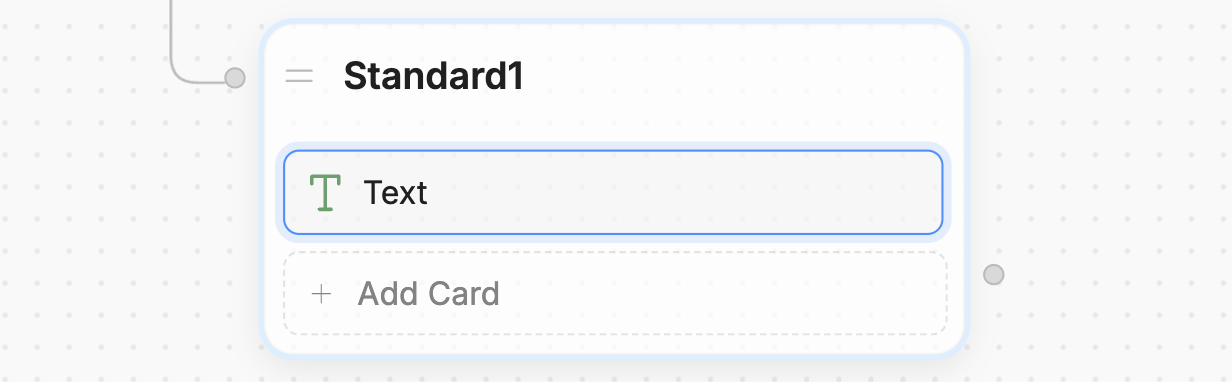
 Notice that adding a Card opens the **Inspector** on the right side of the Studio:
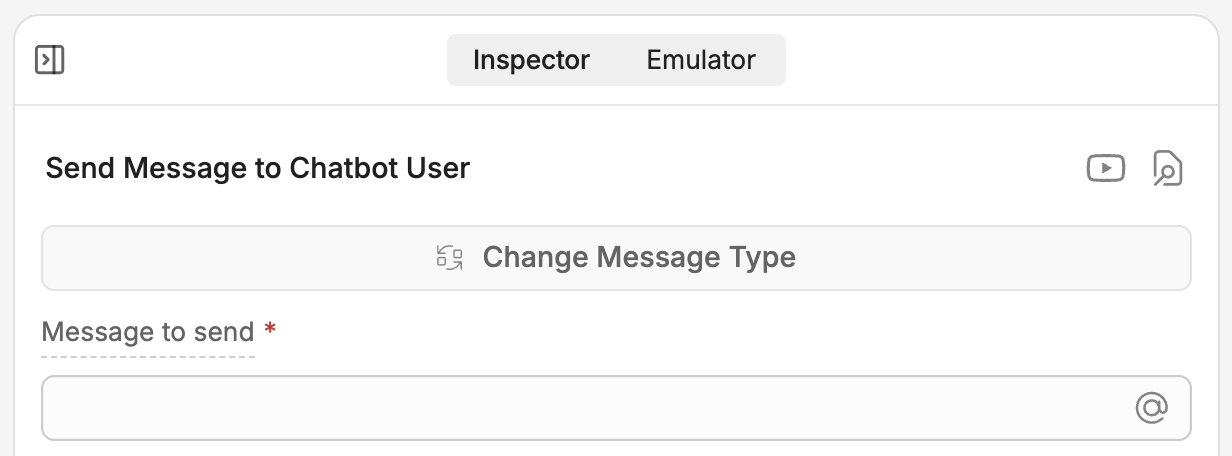
 Let's add our greeting. In the **Message to send** field, paste the following:
```txt wrap theme={"theme":{"light":"light-plus","dark":"dark-plus"}}
Hello! I'm Teddy, 🐶 the customer support bot for Teddy's Pet Shop. Our opening hours are:
Monday-Friday: 10:00 AM to 6:00 PM
Saturday-Sunday: 11:00 AM to 3:00 PM
```
Now we can test it out. Switch back to the **Emulator** and select **Test your bot**:
Let's add our greeting. In the **Message to send** field, paste the following:
```txt wrap theme={"theme":{"light":"light-plus","dark":"dark-plus"}}
Hello! I'm Teddy, 🐶 the customer support bot for Teddy's Pet Shop. Our opening hours are:
Monday-Friday: 10:00 AM to 6:00 PM
Saturday-Sunday: 11:00 AM to 3:00 PM
```
Now we can test it out. Switch back to the **Emulator** and select **Test your bot**:
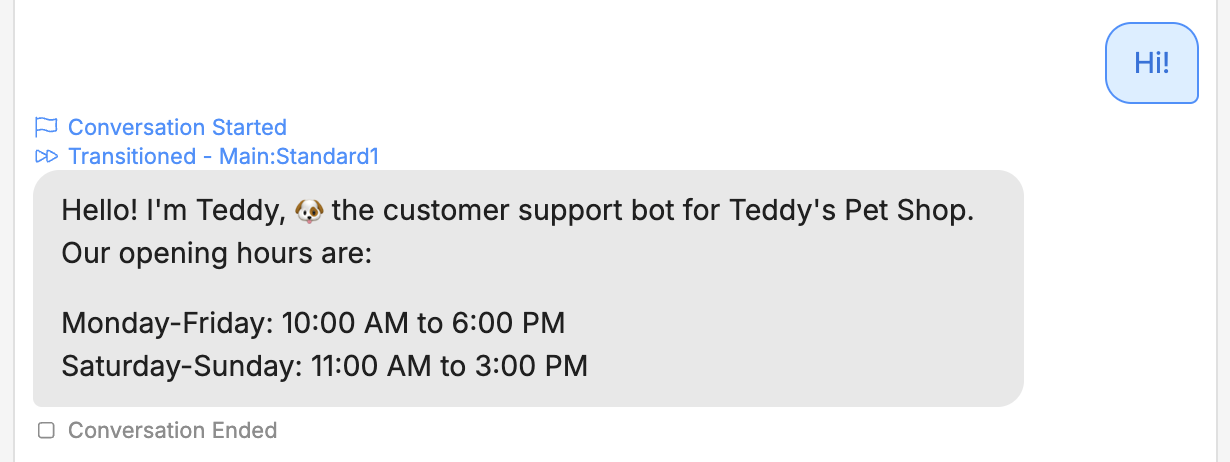
 Nice! The bot now displays a custom greeting with the opening hours.