> ## Documentation Index
> Fetch the complete documentation index at: https://botpress.com/docs/llms.txt
> Use this file to discover all available pages before exploring further.
# Creating Nodes
export const GoodToKnow = ({children}) => {
return
{children}
;
};
Let's create a new Node and add a step to our bot's logic:
1. Select and hold the right edge of the Start Node.
2. Drag outwards to create a new transition.
3. Release anywhere on the canvas. You'll see a list of Node types to choose from—select **Standard Node**.
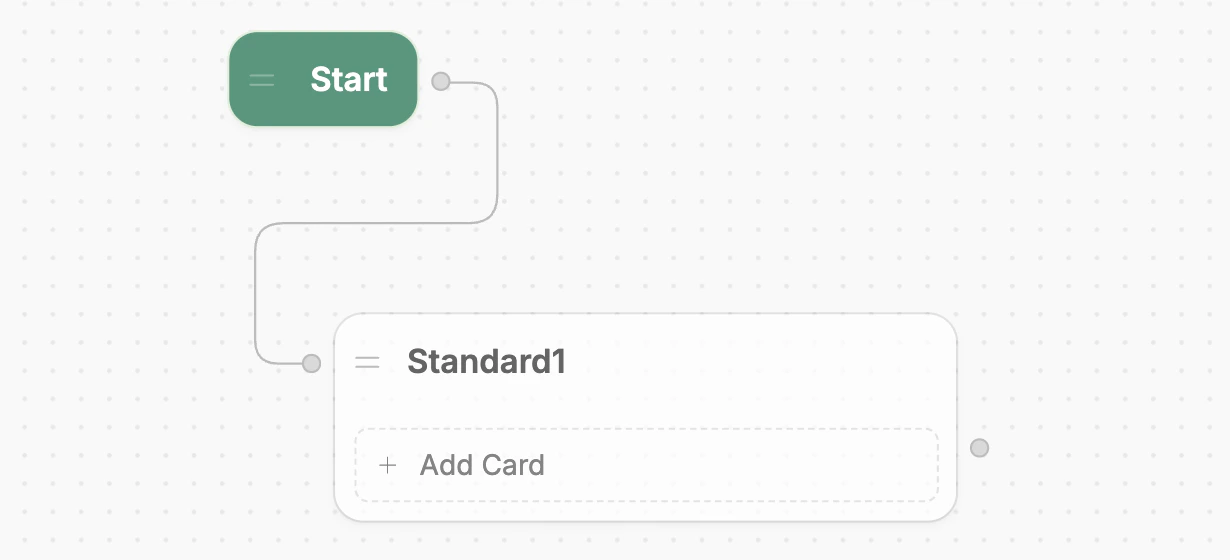
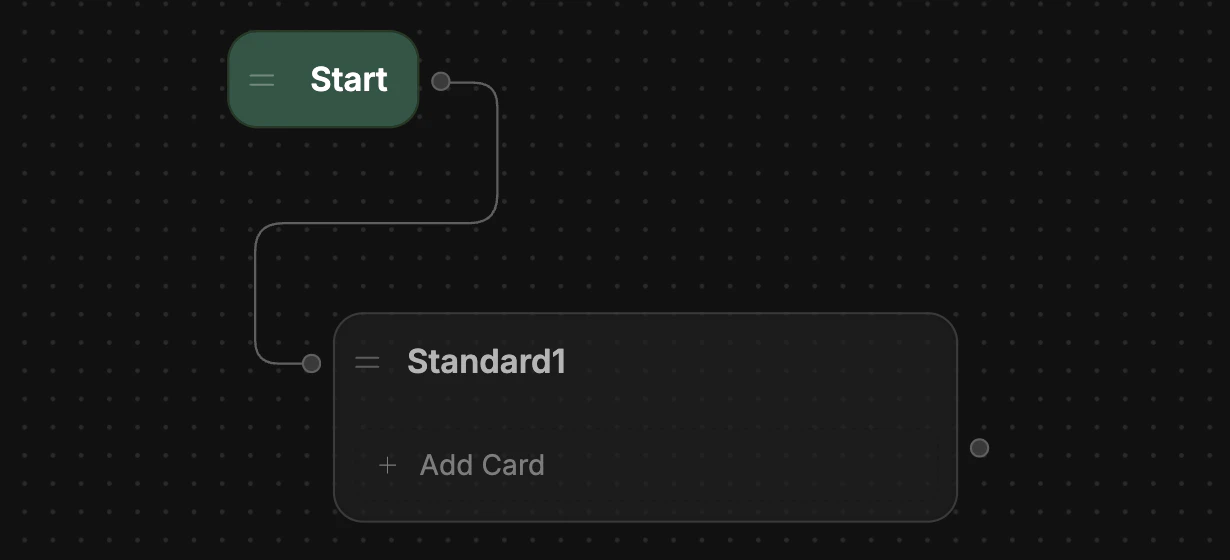
You just created a new Node! Notice that because you dragged out from the edge of the Start Node, it automatically transitioned to the new Node:
 Standard Nodes, unlike Autonomous Nodes, don't use AI by default. This makes them great for hard-coding behaviour into your bot.
You can drag-and-drop Nodes anywhere in your Workflow. This doesn’t affect your bot’s behavior—it just helps keep your Workflow organized.
Standard Nodes, unlike Autonomous Nodes, don't use AI by default. This makes them great for hard-coding behaviour into your bot.
You can drag-and-drop Nodes anywhere in your Workflow. This doesn’t affect your bot’s behavior—it just helps keep your Workflow organized.