Documentation Index

Fetch the complete documentation index at: https://botpress.com/docs/llms.txt

Use this file to discover all available pages before exploring further.

If you’re an owner or administrator in your workspace, you can restrict who in your Workspace has access to your agent.
Access control requires a Team plan or higher.
1
Go to Settings in your agent’s menu.
2
Select Access Control.
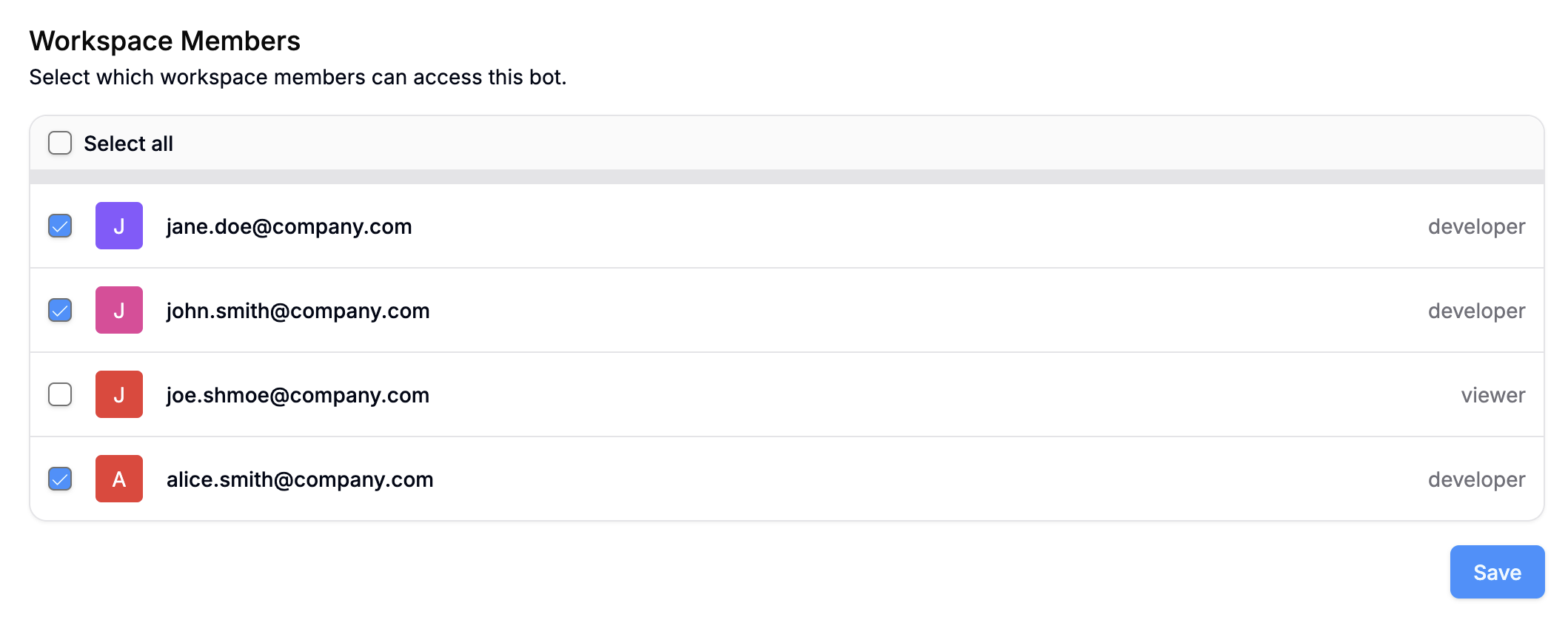
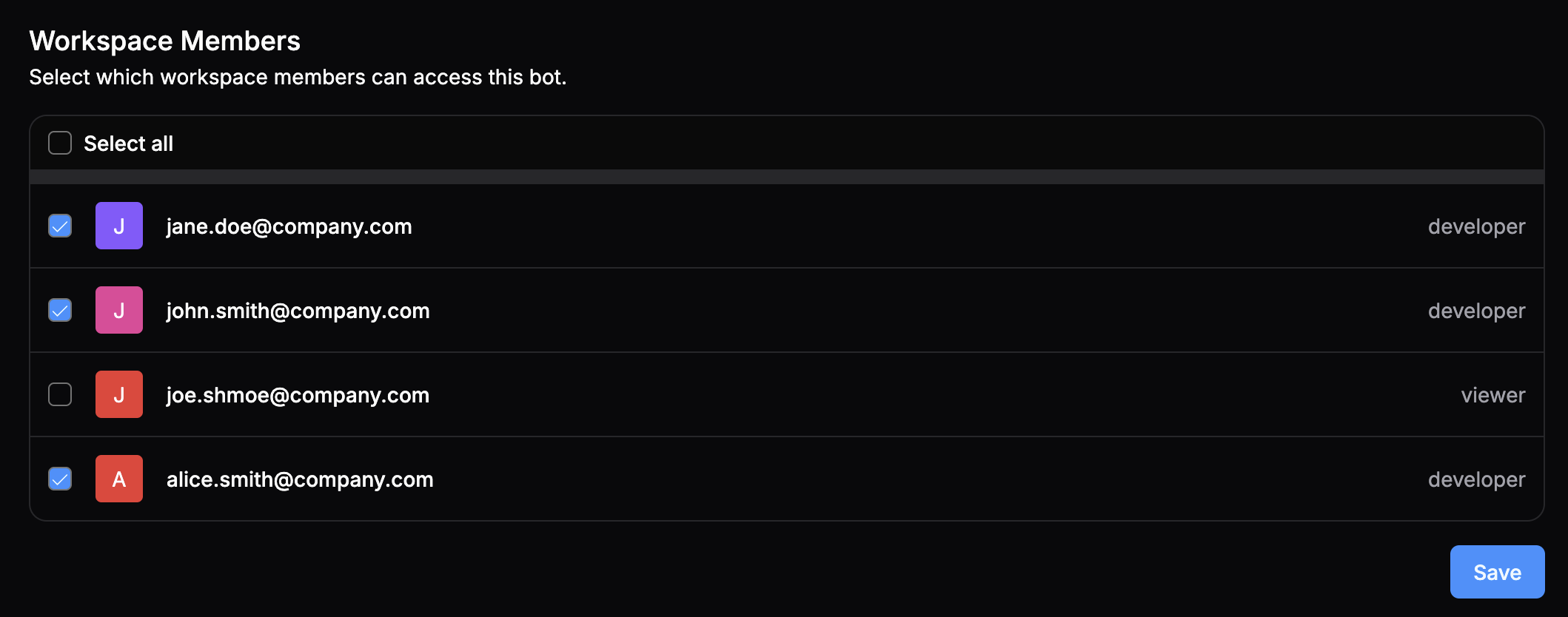
Here, you can select which members of your Workspace have access to your agent:
Access control
When you’re done, select Save.

Access control vs. roles

Access control is an agent-level setting—it doesn’t change the workspace member’s access to any other agents or their overall role in the workspace. You can configure workspace-level roles in your Workspace settings.
Workspace owners and administrators always have access to all bots in a workspace.
Last modified on April 29, 2026