

Setup
The Improvement integration comes pre-installed on every bot. If you need to install it manually:You will need:
1
In Botpress Studio, select Explore Hub in the upper-right corner.
2
Search for the Improvement integration, then select Install Integration.
3
In the Configuration menu, select Save Configuration.
Suggesting improvements
You can suggest improvements when chatting with your bot in the emulator:1
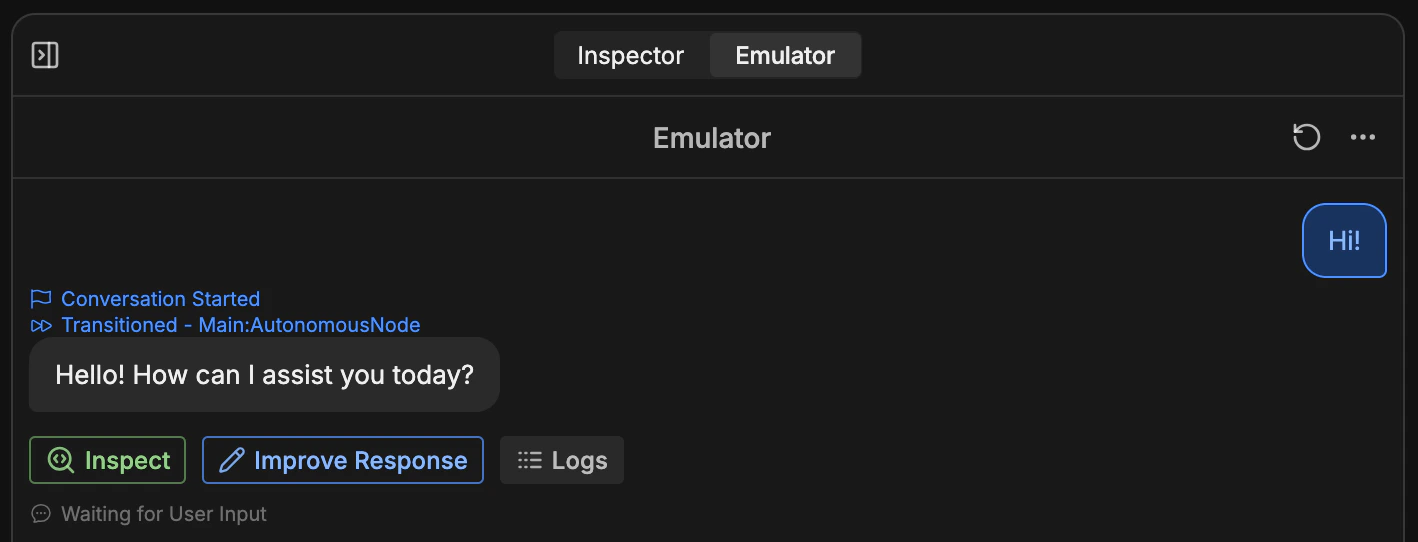
Select Improve Response on any message: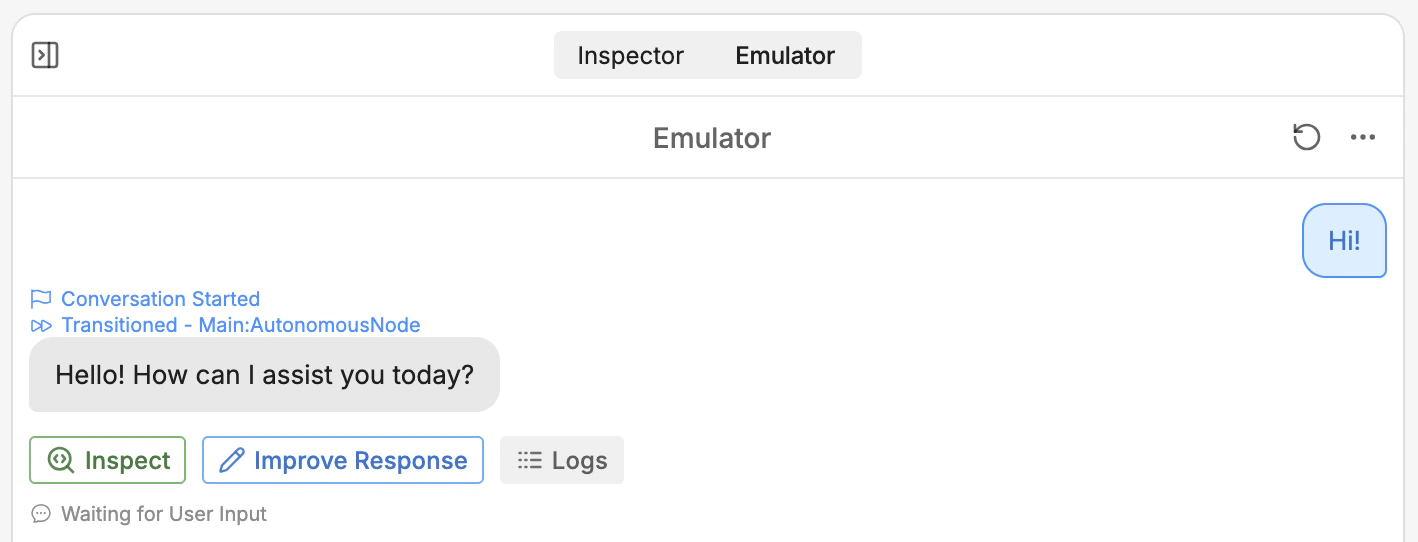
2
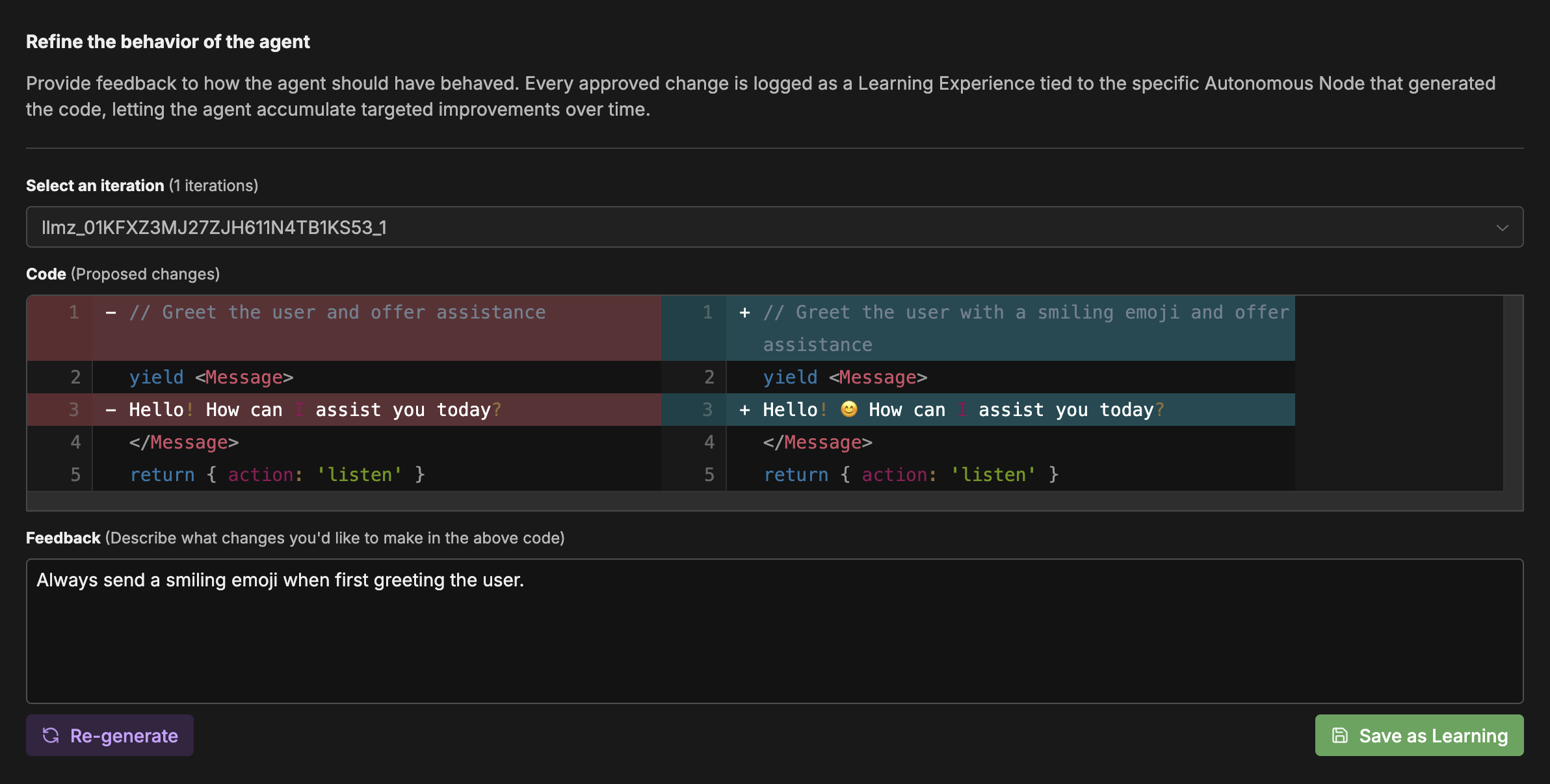
Enter your feedback and select Re-generate., This will show you a preview of an updated response based on your feedback: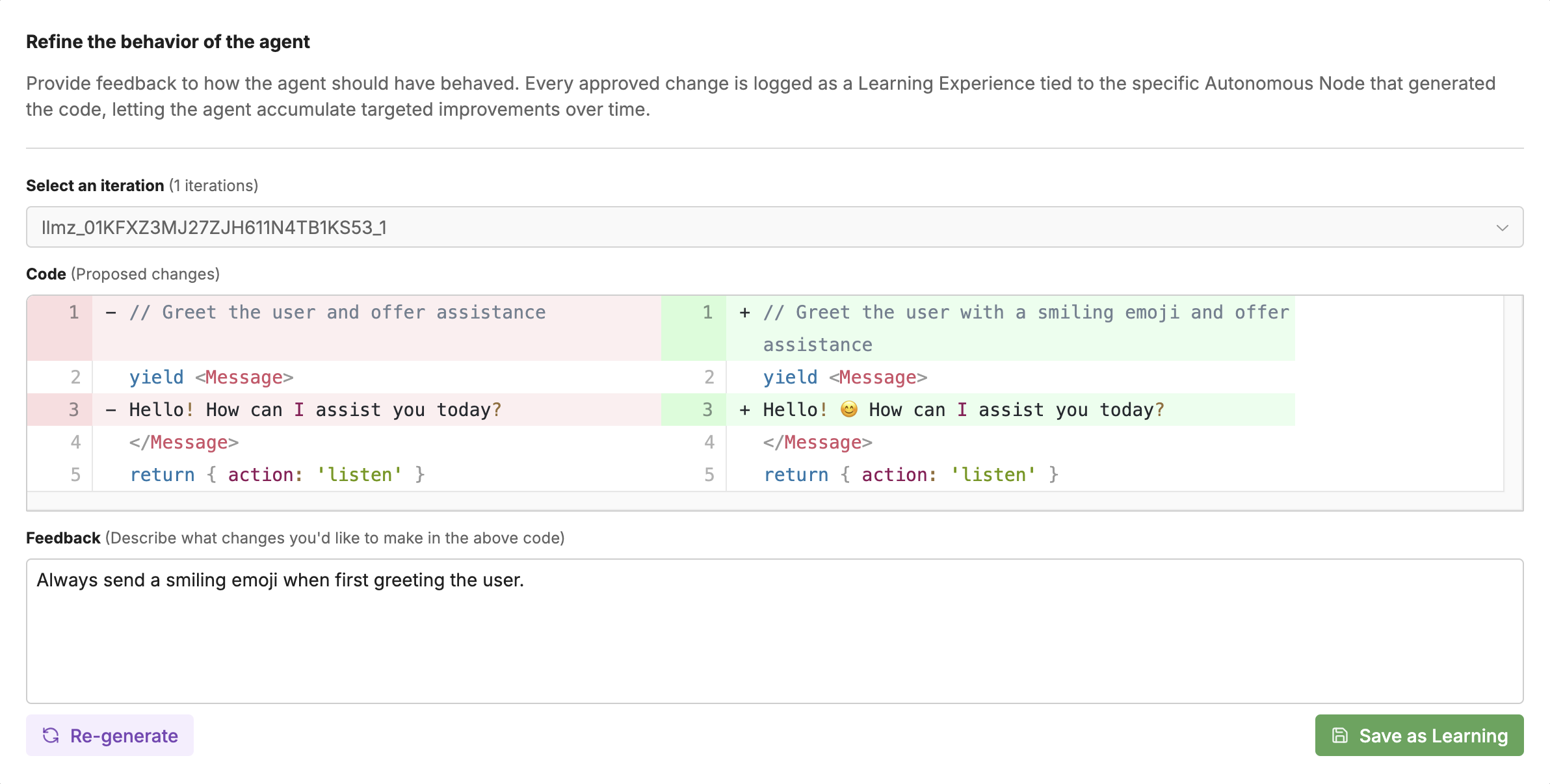
3
If you’re happy with the updated response, select Save as learning.
Managing feedback
Any time you save feedback, it gets added to the Feedback Table as a row:
